Visual Glossary – Home Page
Wiki: TOC, VTOC, Home
Forum: Home, General
Video
Logos Tutorial Video #2 – First steps
The Home Page – An Overview

1. The Home, Library and Search Buttons (see Buttons and Menus)
2. The File, Guides, and Tools Menus (see Buttons and Menus)
3. The Command Box or Command Bar (Alt+D): Here you can enter commands for access to program settings; resources; documents (see Logos Commands).
4. The Shortcut Bar: Commands, Resources, Program or File Shortcuts can all be dragged to the Shortcut Bar.
5. The Sync Indicator
(these will not be displayed if your computer is not connected to the internet
or if you have set the Program to not use the internet).
6. The Layouts Menu (see Buttons and Menus)
7. The Help Menu (see Buttons and Menus)
8. The Ribbon (see below)
9. The Go Bar (see below)
10. Home Page Content (see below)
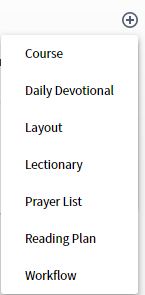
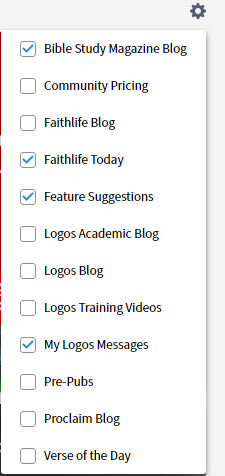
11. The Customize Menu (see below)
12. Previous/Next Buttons for Homepage Content (PgUp/PgDn).

The Home Page – Ribbon
The Ribbon includes two primary elements: the Go Bar and quick access to some program features
The Go Bar

If you enter a passage in the Go Bar, it will activate the Passage Guide, the Exegetical Guide, open your top 5 bibles, open your preferred commentary, the information tool and the text comparison tool.
Currently, topic searching is not enabled.